
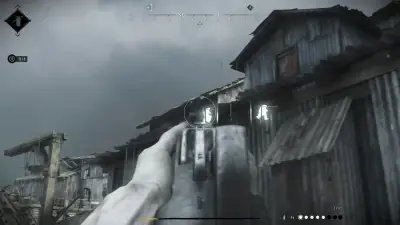
Hunt Showdown Aimbot Settings for Smooth, Natural Aim
The settings that matter most when configuring aim assistance in Hunt, and why subtle usually beats aggressive.
Aim assistance tools give you many options, and the way you set them matters more than whether the feature is switched on. In Hunt Showdown, where weapons are slow, bullets drop and a headshot can end a fight, how your aim looks in motion matters.
Settings and names vary by product, so this article covers the common ideas rather than a specific menu. Check your tool's own documentation for exact options.
The settings that usually matter
Smoothing. This controls how quickly the crosshair moves toward a target. Instant snaps look unnatural, especially to anyone watching you or reviewing a clip. Higher smoothing gives movement closer to a human hand.
Field of view. A small area means the assist only engages when you are already close to the target. A large one grabs targets from far across the screen. Smaller feels more natural.
Target selection. Some tools let you choose what you are aiming at. Pick what suits the weapon you are carrying.
Activation. Holding a key to engage the assist usually feels more controlled than leaving it on.
Think about the weapon, not just the tool
Hunt weapons behave very differently. A Winfield or a bolt action rifle rewards patience and a clean first shot. A shotgun at close range is about speed. A setup that suits one will feel wrong on the other, so adjust for what you bring into the match.
Subtle is the strategy
Aggressive settings feel powerful at first but make you stand out. Many players prefer light assistance that fixes small errors while keeping their own play style visible. That is a matter of preference, and no setting makes detection impossible. Read how bans work before relying on any approach.
Next steps
Once you have a tool, our setup guide covers preparation, and the product page lists what is currently included. Common questions are answered in the FAQ.