
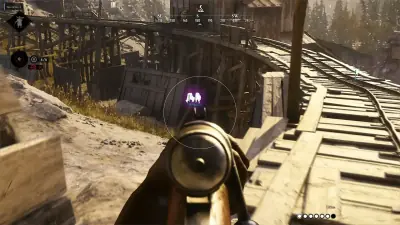
How to Use Hunt Showdown Cheats: Setup Guide
How to prepare your system and approach a first launch, with the common mistakes that cause most setup problems.
The exact steps depend on the product, and you should always follow the instructions that come with your purchase. What follows is general preparation that applies to most tools and helps avoid the usual problems.
Before you start
Update everything. Make sure Hunt Showdown is fully patched and Windows is up to date. Many launch failures come from a mismatch between the game version and the tool.
Read the instructions first. It sounds obvious, but most issues come from skipped steps.
Check your security software. Antivirus programs often flag cheat tools. If the instructions say to add an exclusion, follow them exactly, and only for software you have chosen to trust.
Close conflicting programs. Overlays, recording tools and other background software can interfere. Close what you do not need.
First launch
Follow the order given in your product instructions. In general, that means starting the tool as described, then opening the game, and not launching things in a different order than advised. Rushing here causes most crashes.
Start with a calm test
Load into a quick match and check that features behave as expected before a serious bounty run. If you use aim assistance, keep the settings light at first. Our guide to aim settings covers the basics.
Common mistakes
- Running an outdated version after a game patch
- Skipping a required system step
- Leaving overlay software running
- Changing many settings at once, which makes problems hard to trace
If something goes wrong
Check our troubleshooting guide first. If that does not help, support can look at your specific case. The FAQ also covers common questions.
New to the product? See the current details on the Hunt Showdown cheats page.